GPT IMAGE 2
IS HERE
OpenAI's new flagship image model.
99% typography accuracy,
high-quality, single-pass rendering, twice the speed. Ready on Get3W.
200+
AI MODELS
Image, video, and audio. All the best ones, updated constantly.
NO HIDDEN
FEES
Pay for what you use. No markups. No gotchas. No credit packs. No limits.
DIRECT ACCESS
TO AI MODELS
Register an account. Create an API key. No setup. No config files. Just pick a model and go.
100%
COMPATIBILITY
Everything just works. Models, Skills, external workflows, CDN.
Every model you need to make anything you want.
Bring your entire creative workflow together with access to the world's best image, video, audio, editing and language models.
Get3W is trusted by developers and
organizations across industries
Enterprise-Grade GPU Infrastructure
Powered by NVIDIA GPU clusters optimized for AI inference, delivering unmatched speed and reliability for production workloads.
Every AI Model, One Unified API
Access 700+ models from Google, OpenAI, ByteDance, Alibaba and more through a single unified API.
Built for Developers & Creators
Simple REST API with comprehensive documentation, SDKs, and a playground for rapid prototyping.
Transparent, Pay-Per-Use Pricing
Pay for what you use with volume discounts. Scale from prototype to production without infrastructure overhead.
Why Get3W?
The smartest way to access 1000+ AI models. One unified API with the lowest prices, fastest inference, and rock-solid reliability — so you can focus on building, not infrastructure.
Lowest Price
Up to 50% cheaper than calling providers directly. Volume discounts and pay-per-use pricing with no hidden fees.
Blazing Fast
Optimized GPU clusters with intelligent routing deliver up to 4x faster generation for image and video models.
Rock-Solid Stability
99.99% uptime with automatic failover, load balancing, and multi-region redundancy for enterprise-grade reliability.
Our latest Models and Products
AI Video Generation
Generate cinematic videos from text prompts or reference images using the world's best video models including Kling, Veo, Wan, and more. Support for text-to-video, image-to-video, and video-to-video workflows.
Built on optimized GPU infrastructure, Get3W delivers up to 4x faster inference with enterprise-grade reliability and 99.99% uptime.
AI Image Generation
Create stunning images with FLUX, Midjourney, DALL-E, and other top-tier models. From photorealistic renders to artistic illustrations, access the full spectrum of visual AI.
Support for text-to-image, image-to-image, inpainting, outpainting, and style transfer — all through a simple, unified API.
Digital Human & Speech AI
Build lifelike digital humans, generate natural speech, transcribe audio, and create music with cutting-edge AI models. Full support for digital human, TTS, STT, and music generation.
Get3W brings together the best models from Google, OpenAI, ByteDance, Alibaba, and more — accessible through a single platform.
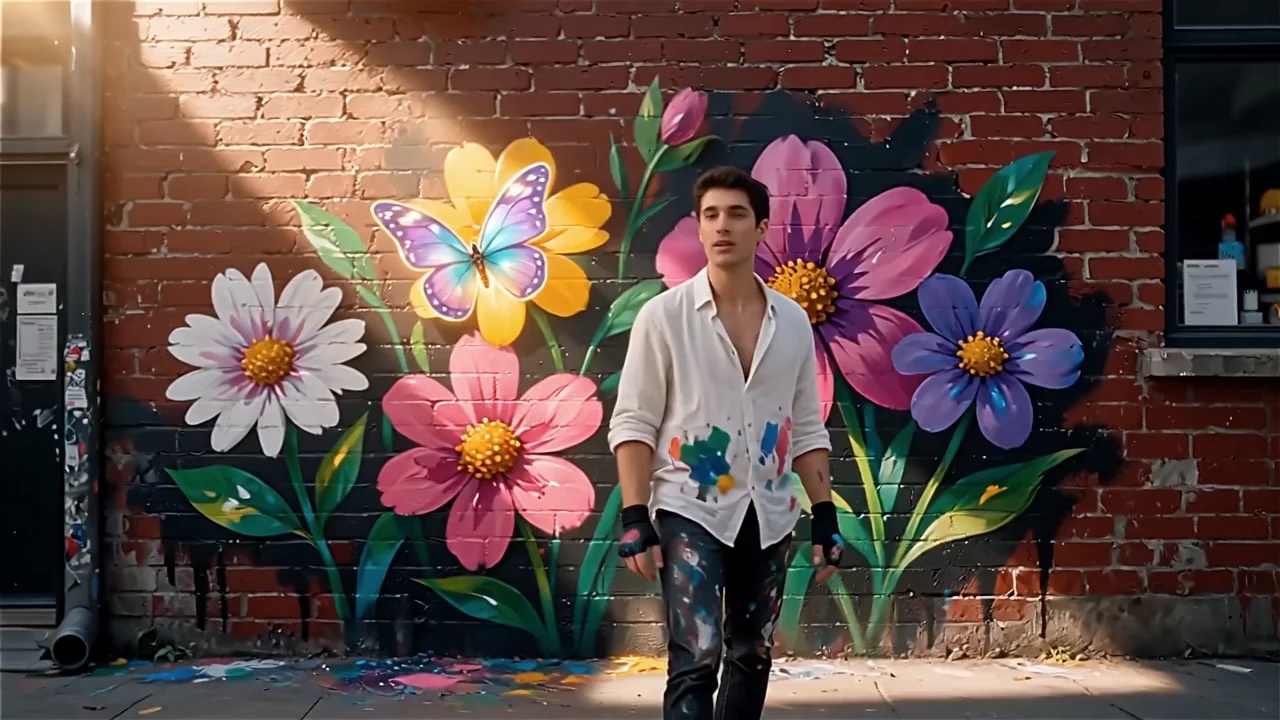
AI Video Generation
Create stunning videos from text or images with state-of-the-art AI models.
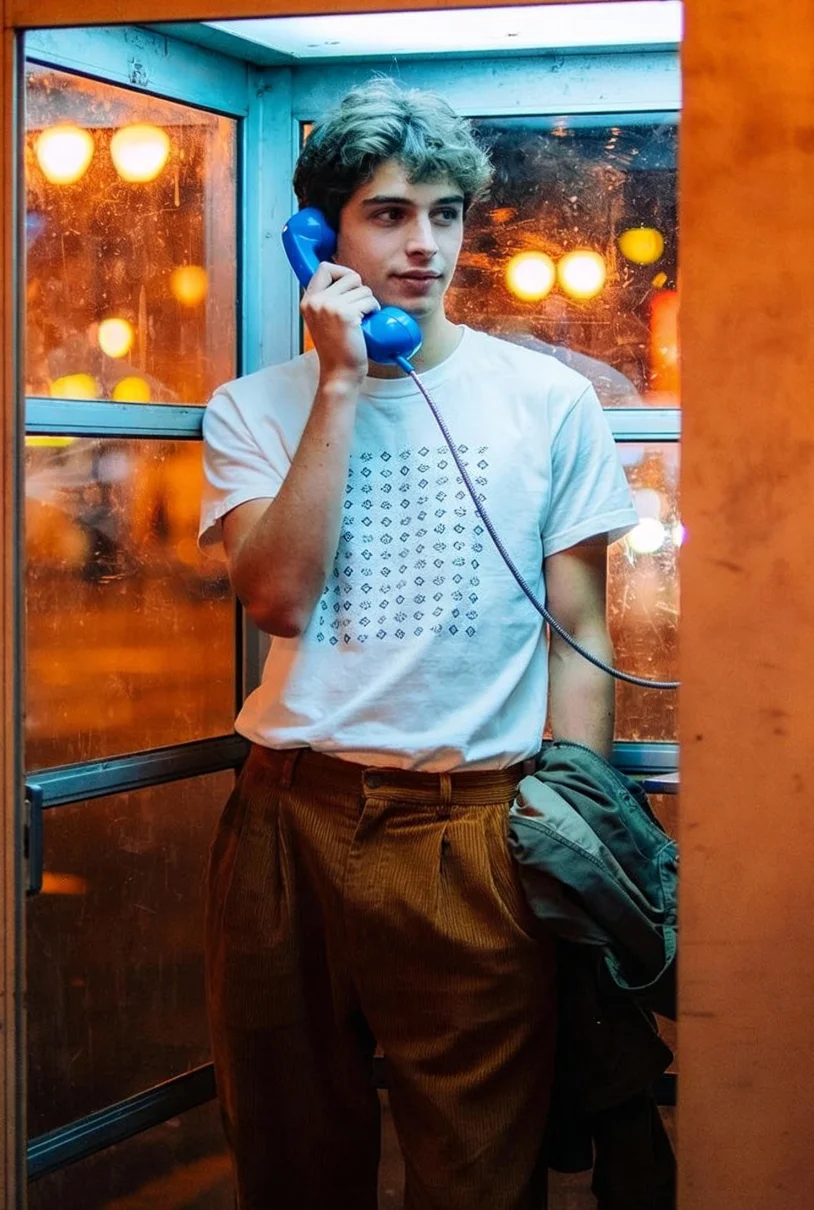
AI Image Generation
Generate high-quality images with advanced text-to-image and image-to-image models.
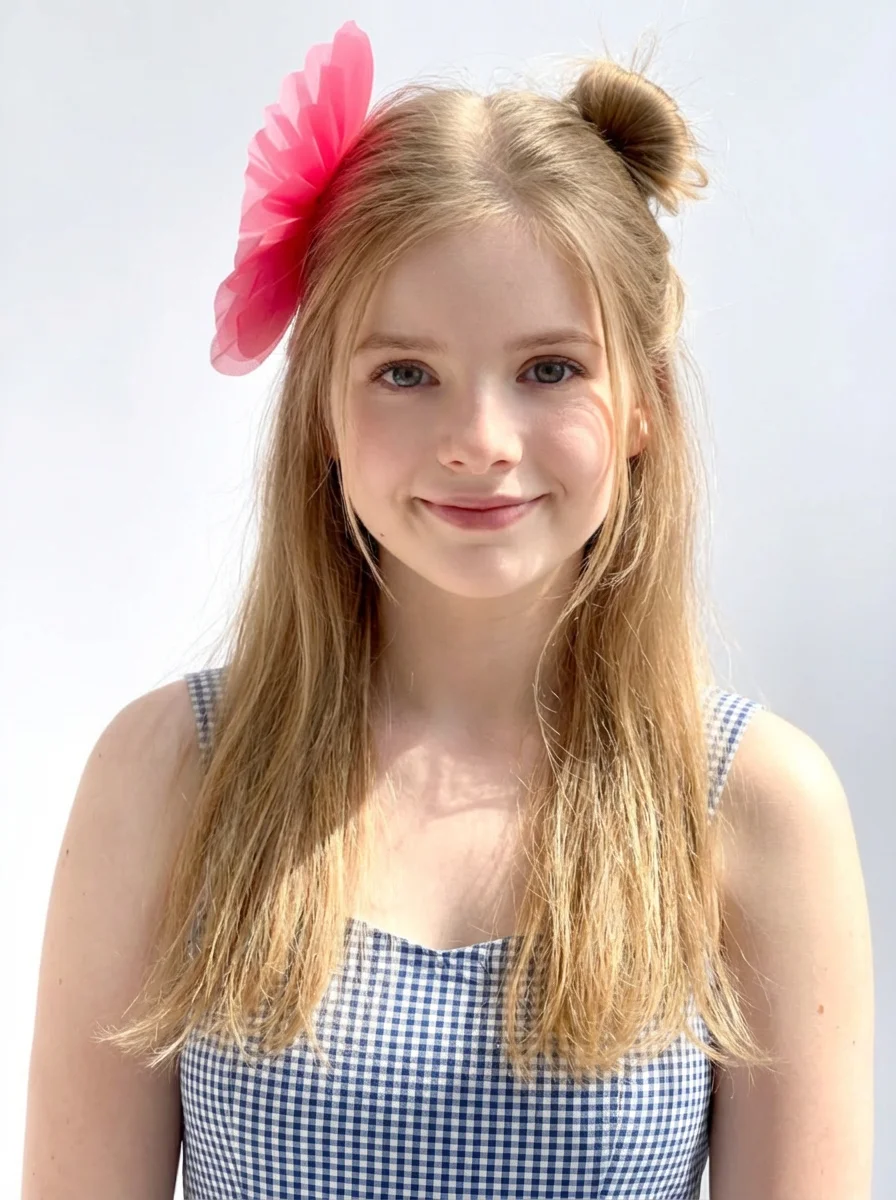
Digital Human & Avatar
Create realistic digital humans and avatars with AI-powered generation and animation.
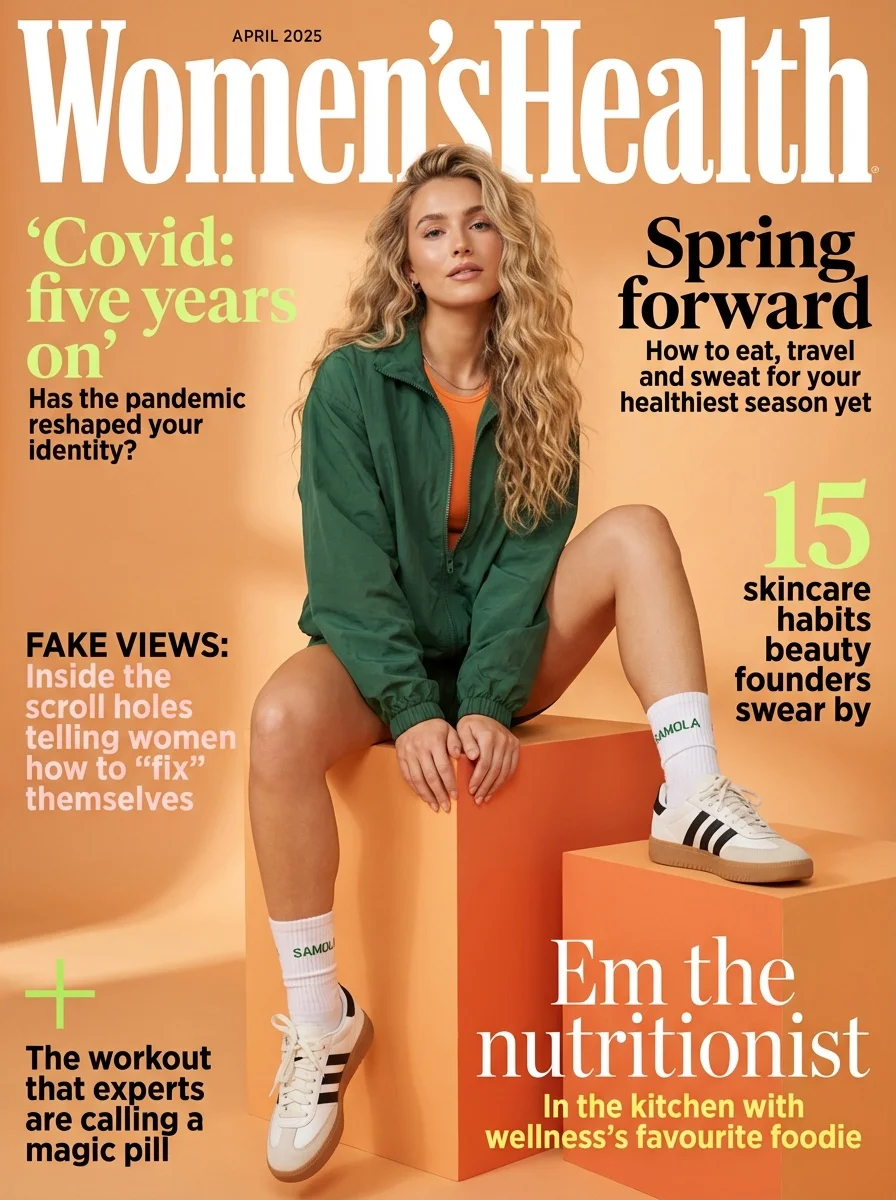
Multi-Modal AI Platform
Access image, video, audio, and speech models through a single unified API with blazing-fast inference.
We are building the ultimate AI
media generation platform.
Start building with 1000+ AI models for image, video, audio, and speech generation.
- 响应错误:[object XMLHttpRequest]
- 响应错误:[object XMLHttpRequest]